Instant MP3 Upload
Upload MP3 files in seconds and generate a direct URL you can share anywhere.
Upload MP3 files and instantly get permanent, shareable links with copy-ready embed snippets.
Built for developers, creators, and support teams that need fast MP3 links for docs, tickets, and social publishing.
Popular searches: mp3 to url, audio to link, direct MP3 link, free MP3 hosting, MP3 embed code
MP3 link in one upload
Optimized for quick sharing
Stable URL workflow
Updated: 25 February 2026
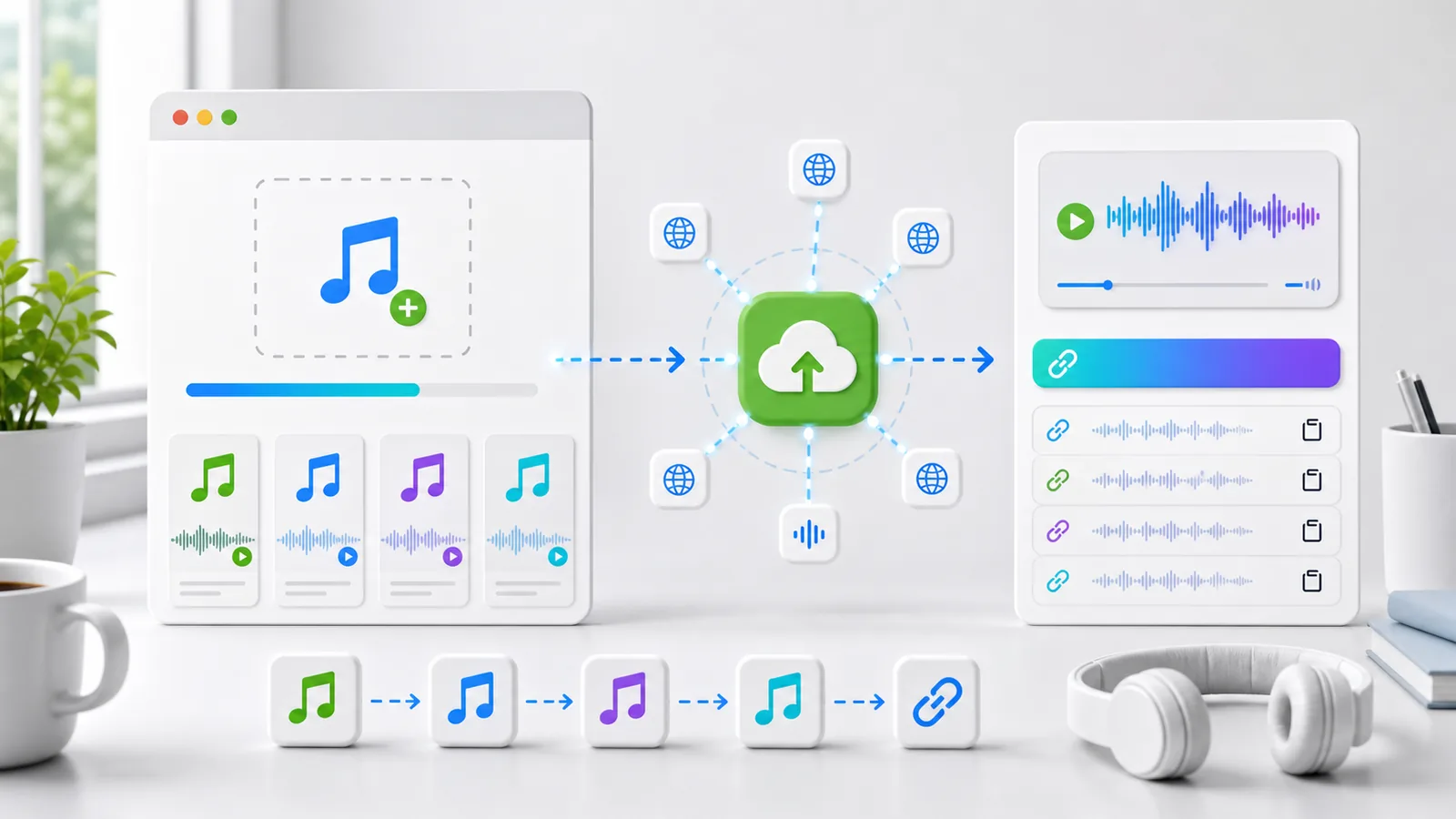
Drag and drop MP3, WAV, OGG, AAC, and M4A files up to 100 MB. Uploads go through secure HTTPS and return a permanent link.
Drop your MP3 here, or click to browse
Supported: MP3, WAV, OGG, AAC, M4A (max 100 MB)
Upload MP3 files in seconds and generate a direct URL you can share anywhere.
Generated links stay stable and load fast for docs, websites, bug reports, and social posts.
Uploads are sent over HTTPS and served through reliable infrastructure with clean URL output.
Get direct link, Markdown, HTML, and BBCode snippets for instant publishing.
Drag and drop or browse your device. Supported formats include MP3, WAV, OGG, AAC, and M4A.
Click convert to upload your MP3 and generate a direct, shareable URL immediately.
Use your new URL in documentation, chat tools, websites, blog posts, and issue trackers.
Compare this mp3-to-url flow against generic cloud storage and temporary upload sites.
| Feature | VideoToURL | Generic Cloud Drive | Temporary Upload Host |
|---|---|---|---|
| Direct MP3 URL output | Yes | Sometimes | Usually no |
| Permanent link behavior | Yes | Depends on policy | Often temporary |
| No signup required | Yes | Usually required | Usually required |
| Copy-ready embed snippets | Yes | Rare | Rare |
| Built for developer workflows | Yes | Partial | Limited |
| CDN-backed delivery | ✅ Yes – fast global access | ⚠️ Variable speed | ❌ Slow |
Share voice notes, bug reproduction clips, and QA evidence links inside tickets and release notes.
Publish podcast snippets, song previews, and narration clips with consistent URL embeds across pages.
Add call recordings or training samples to runbooks and support tickets without attachment friction.
Distribute pronunciation practice, lecture clips, and listening assignments with stable, shareable links.
Continue your workflow with related pages and tools inside VideoToURL.
Browse the full tools hub and discover related converters.
Open page ->
Compare free and paid plans before scaling your MP3 hosting workflow.
Open page ->
Read practical guides about audio optimization, indexing, and publishing workflows.
Open page ->
Learn how the platform handles MP3 and media URL workflows.
Open page ->
It uploads your MP3 file and returns a direct URL that can be shared or embedded online.
MP3, WAV, OGG, AAC, and M4A are supported. The upload endpoint also validates audio MIME types.
The standard upload limit is 100MB per file for the default MP3-to-URL workflow.
The tool is designed for long-term sharing and returns stable links suitable for documentation and websites.
Yes. The page includes ready-made snippets for direct URL, Markdown, HTML, and BBCode.
Converting MP3 to URL is simple with our free tool: 1) Choose your MP3 file (or WAV, OGG, AAC or M4A), 2) Click 'Convert MP3 to URL' to upload, 3) Copy the generated direct MP3 URL and use it anywhere. Our MP3 link generator creates permanent links backed by reliable CDN infrastructure. No registration required for files up to 100MB.
A direct MP3 URL is a clean link that plays audio straight away in browsers or media players. Unlike cloud storage links that require authentication or expire, our free MP3 hosting provides stable, permanent URLs that are perfect for embedding in websites, documentation, podcasts and social media. Direct links ensure your audio is accessible without redirects or login walls.
Standard MP3 uploads are free within the daily upload quota and the 100MB limit per file. No credit card or account is needed for free use. Paid plans offer higher limits; see the pricing page for details.
Unlike temporary upload sites, our MP3 to URL service generates permanent direct links designed for long-term use. Links are backed by CDN infrastructure and remain stable for documentation, websites and publishing. While we don't guarantee links forever (no service can), our URL workflow is built for stability and reliability, making it ideal for professional use.
Absolutely! After converting MP3 to URL, you'll get ready-to-use embed code in three formats: Markdown for documentation and wikis, HTML for websites and blogs, and BBCode for forums. Simply copy the snippet and paste it into your content. Our free MP3 hosting ensures the embedded audio loads fast and plays reliably on all devices.
Our MP3 to URL tool is purpose-built for audio sharing, unlike generic cloud storage: direct MP3 URLs (no preview pages or authentication walls), embed snippets ready for all platforms (no manual HTML coding), a permanent link workflow (stable URLs for documentation), developer-friendly clean URLs for API usage, no signup required (unlike most cloud drives), and delivery optimised for audio (proper MIME types and CDN).
Direct MP3 URLs play audio immediately in browsers or media players without intermediate pages. Preview page links (common in cloud storage) require users to visit a web page before accessing the audio. Our direct MP3 URL approach removes the friction, making it ideal for documentation, bug tracking and professional audio sharing workflows.
Start with your first upload, then continue to other tools for editing and publishing.