Instant PDF Upload - Convert PDF to URL in Seconds
Upload PDF files in seconds and generate a direct URL ready to share across chat, email and websites. Our PDF to URL converter processes files instantly with no registration required.
Upload PDF files and get permanent, shareable direct links, with ready-to-copy code for Markdown, HTML and BBCode. Use the links in documentation, support tickets and websites.
Built for support teams, legal departments and content publishers who need reliable document links for knowledge bases, help centres and client communications.
Popular searches: pdf to url australia, share pdf link, direct pdf url, upload pdf and get link, embed pdf in website
PDF link in one upload
Optimised for quick sharing
Stable URL workflow
Updated: 25 February 2026
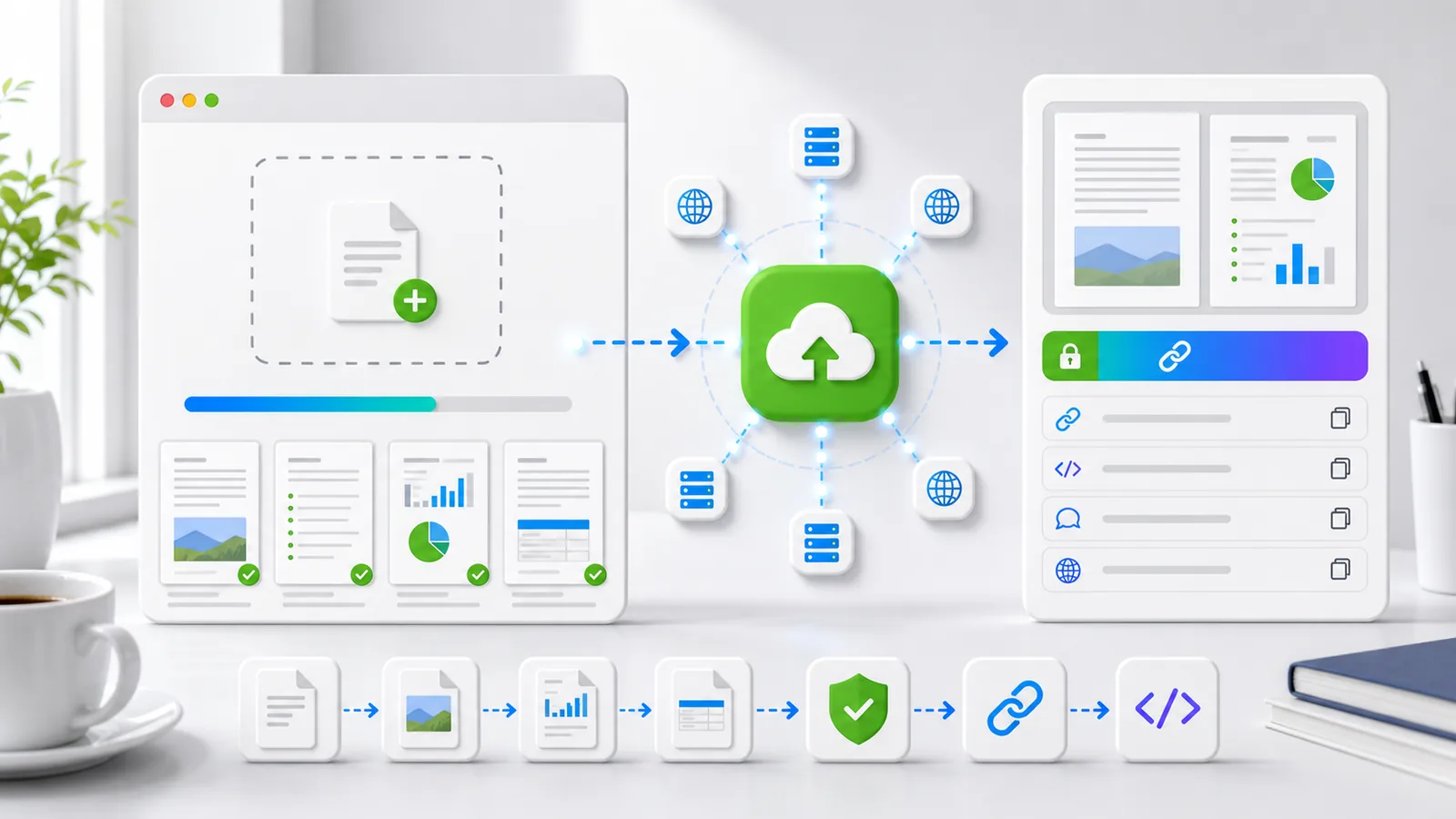
Drag and drop PDF files up to 10 MB. Uploads go through secure HTTPS and return a permanent link.
Drop your PDF here, or click to browse
Supported: PDF (max 10 MB)
Upload PDF files in seconds and generate a direct URL ready to share across chat, email and websites. Our PDF to URL converter processes files instantly with no registration required.
Generated links stay stable and load fast for documentation portals, support articles and client deliverables. Unlike temporary file transfer services, our direct PDF links remain permanent.
Uploads are processed via HTTPS and served through reliable infrastructure with clean public URLs. Your documents are safe with our enterprise-grade PDF hosting.
Get direct URL, Markdown, HTML and BBCode snippets so your PDF links are ready to publish. Perfect for embedding PDFs in websites, blogs and knowledge bases.
Drag and drop or browse your device. Standard uploads support PDF files up to 10MB. Our PDF to URL converter accepts all standard PDF documents, including manuals, ebooks and reports.
Click convert to upload your file and generate a direct, shareable PDF link immediately. The whole process takes less than 5 seconds, giving you instant access to your PDF hosting URL.
Use your new URL in documentation, chat tools, websites, blog posts, help centres and CRM notes. Copy ready-made snippets in Markdown, HTML or BBCode format to embed your PDF anywhere.
Compare this PDF to URL flow against generic cloud drives and temporary file transfer services.
| Feature | VideoToURL | Generic Cloud Drive | Temporary File Transfer |
|---|---|---|---|
| Direct PDF URL output | Yes | Sometimes | Usually not |
| Permanent link behaviour | Yes | Depends on the provider's policy | Often temporary |
| No sign-up required | Yes | Usually required | Usually required |
| Ready-to-copy embed snippets | Yes | Rare | Rare |
| Built for support and operations workflows | Yes | Partly | Limited |
Share onboarding guides, troubleshooting manuals and policy PDFs in tickets and chat replies. Swap email attachments for clean direct PDF links that work in Zendesk, Intercom, Freshdesk and any ticketing system.
Distribute contract drafts, policy updates and controlled documents with stable direct links. Our PDF hosting keeps versions under control while giving stakeholders and clients permanent access.
Share handbooks, offer packs and process documents with candidates and internal teams. Use shareable PDF URLs for employee onboarding packs that always point to the latest version.
Publish worksheets, course outlines and learning resources with reusable links across LMS platforms, student portals and course materials. Convert PDF to URL once for Canvas, Blackboard and Google Classroom.
Host user guides, API references and technical manuals with permanent URLs. Works well with documentation tools such as GitBook, Docusaurus, Notion and Confluence, and embeds neatly in knowledge base articles.
Share brochures, catalogues, case studies and whitepapers via email signatures, newsletters and social media. Replace large attachments with direct PDF links that prospects can open instantly.
Our streamlined workflow delivers fast, reliable PDF hosting with permanent URLs.
Your PDF file is uploaded through an encrypted HTTPS connection straight to our CDN servers. We support files up to 10MB, which covers most documents, manuals and ebooks.
Files are stored in our cloud infrastructure and automatically distributed across our global content delivery network, so your direct PDF links load quickly worldwide.
Our system generates a unique, permanent URL for your PDF and creates ready-to-use embed snippets in Markdown, HTML and BBCode. No manual coding required — just copy and paste.
Continue your workflow with related pages and tools inside VideoToURL.
Browse the full tools hub and discover related converters.
Open page ->
Compare free and paid plans before scaling up your PDF link workflow.
Open page ->
Read practical guides on document sharing and SEO-ready content workflows.
Open page ->
Learn how the platform handles media and document URL workflows.
Open page ->
A PDF to URL converter is an online tool that uploads your PDF file to cloud storage and returns a direct, shareable URL. Instead of emailing large PDF attachments or wrestling with complex file-sharing services, you get a clean link that opens the PDF directly in any browser. It's perfect for documentation, support tickets and content sharing. Simply upload your PDF, copy the generated link and share it anywhere.
To convert PDF to URL with our free tool: 1) choose your PDF file from your device (drag and drop supported), 2) click 'Convert PDF to URL' to upload, 3) copy the generated direct URL and use it anywhere. The whole process takes less than 5 seconds, and you can also copy ready-made embed snippets in Markdown, HTML or BBCode format.
Yes! Our free PDF to URL converter requires no registration or payment. Standard uploads support PDF files up to 10MB, with no hidden costs, no watermarks and no expiry dates on generated links. For larger files or advanced features, explore our pricing plans for enterprise-grade PDF hosting.
This page accepts PDF files only. If your document is in Word, Excel, PowerPoint or another format, please convert it to PDF first, then use our PDF to URL converter to generate a shareable link. We support all standard PDF variants, including PDF-1.4 through to PDF-2.0.
This PDF tool accepts files up to 10MB. For larger PDFs, use the dashboard uploader with an eligible paid plan and check the pricing page for its current limit.
No, our direct PDF links are designed for long-term sharing. Once generated, your PDF URL remains permanent and accessible, which makes the service ideal for knowledge bases, documentation portals and client deliverables where link stability is critical. Unlike temporary file transfer services that delete files after 7–30 days, our PDF hosting keeps your links indefinitely.
Absolutely! Each generated PDF URL comes with ready-to-use embed snippets, including HTML iframe code, Markdown links and BBCode. Simply copy the HTML snippet to embed a PDF in websites, WordPress posts or any content management system. The PDF will display directly on your page without requiring a download — perfect for product catalogues, brochures and documentation.
Upload your PDF (catalogue, portfolio, brochure) using our PDF link generator, copy the direct URL and add it to your email signature as a hyperlink. Recipients can click to open the PDF instantly — no attachments required. This works with Gmail, Outlook, Apple Mail and all email clients. Simply create a link with text such as 'View my portfolio' or 'Download brochure' pointing to your PDF URL.
Support teams can upload troubleshooting guides, product manuals and policy documents to get shareable PDF URLs, then paste the links straight into Zendesk, Intercom, Freshdesk or any ticketing system. This reduces ticket clutter, ensures customers always access up-to-date documentation and improves resolution times. Replace 5MB email attachments with clean 50-character links.
Yes, our service is ideal for hosting documentation PDFs. Technical writers and documentation teams use our tool to host user guides, API references and technical manuals. The permanent URLs work perfectly with documentation tools like GitBook, Docusaurus, Notion and Confluence. Simply convert PDF to URL once, then embed the link in your documentation.
Social media platforms have file size limits for attachments. Use our PDF to URL converter to upload your PDF (ebook, report, brochure), then share the generated link on LinkedIn, X, Facebook or any platform. Followers can open the PDF with a single click — perfect for lead magnets, whitepapers, case studies and content marketing.
Yes, all uploads are processed via encrypted HTTPS connections, and your PDFs are stored in secure cloud infrastructure with global CDN delivery. Generated URLs are public by design (for sharing), but the upload process itself is secure. For sensitive documents, consider the access implications of public URLs, and contact us for file removal if needed.
Start with your first upload, then continue to other tools for publishing and workflow automation.